
Trailer
Screenshots
Gameplay video 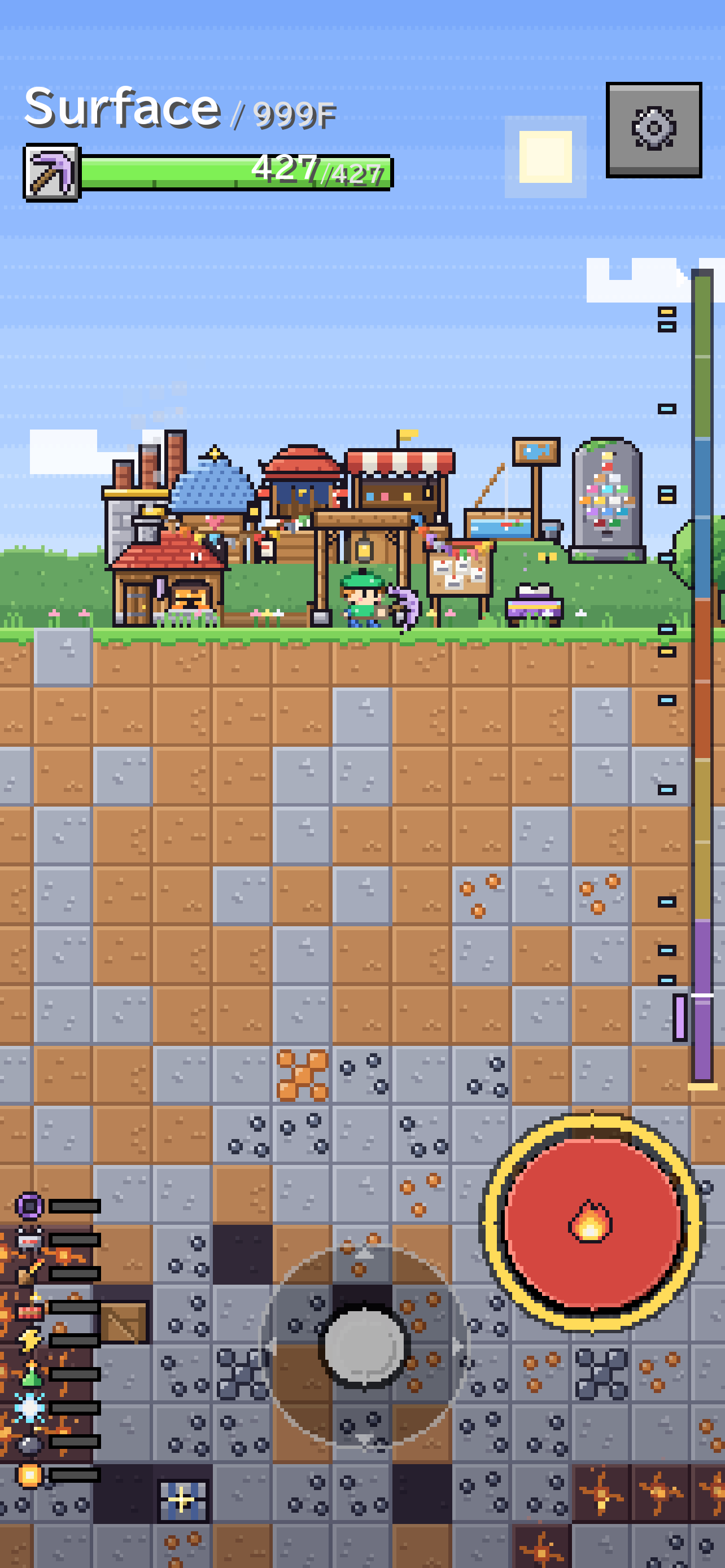
Set out from your base on the surface 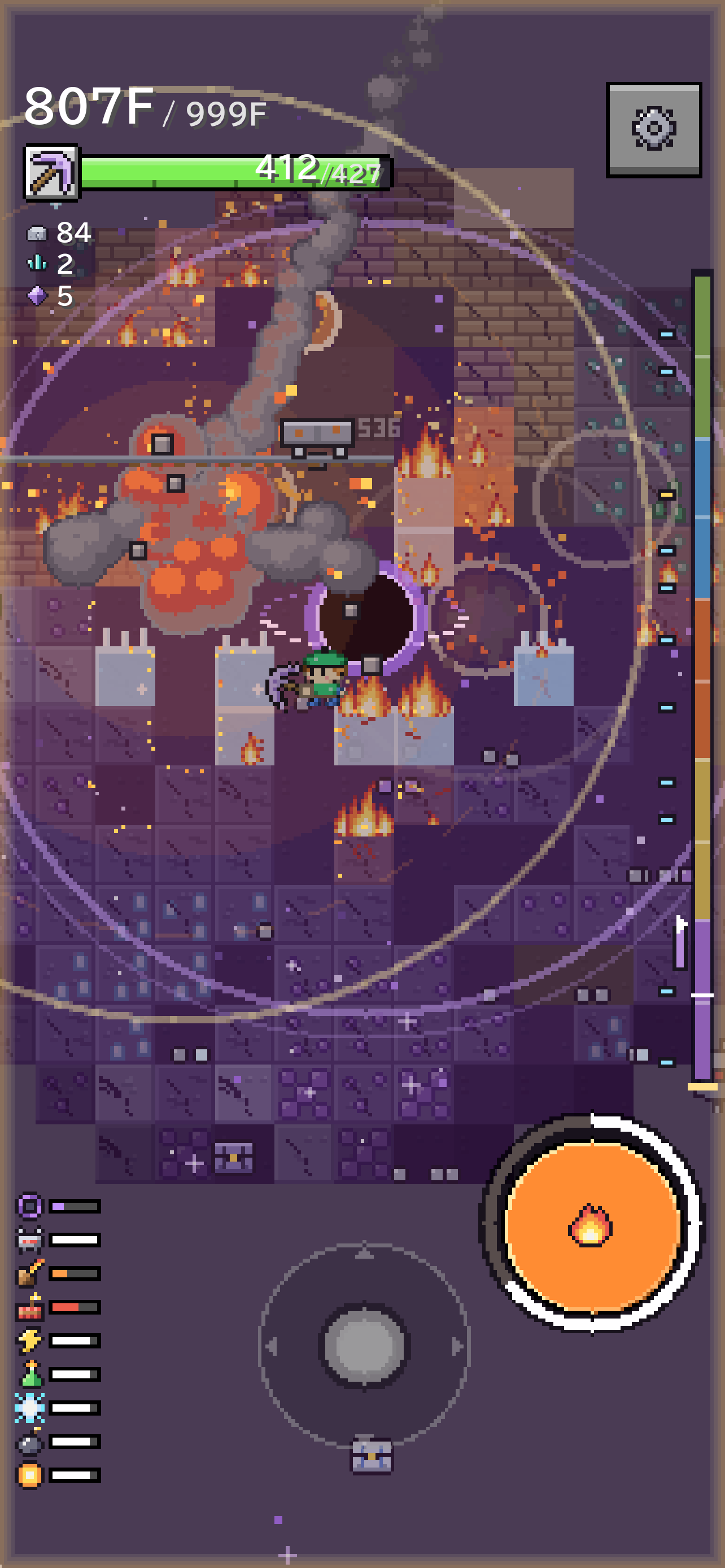
Dig on with abilities 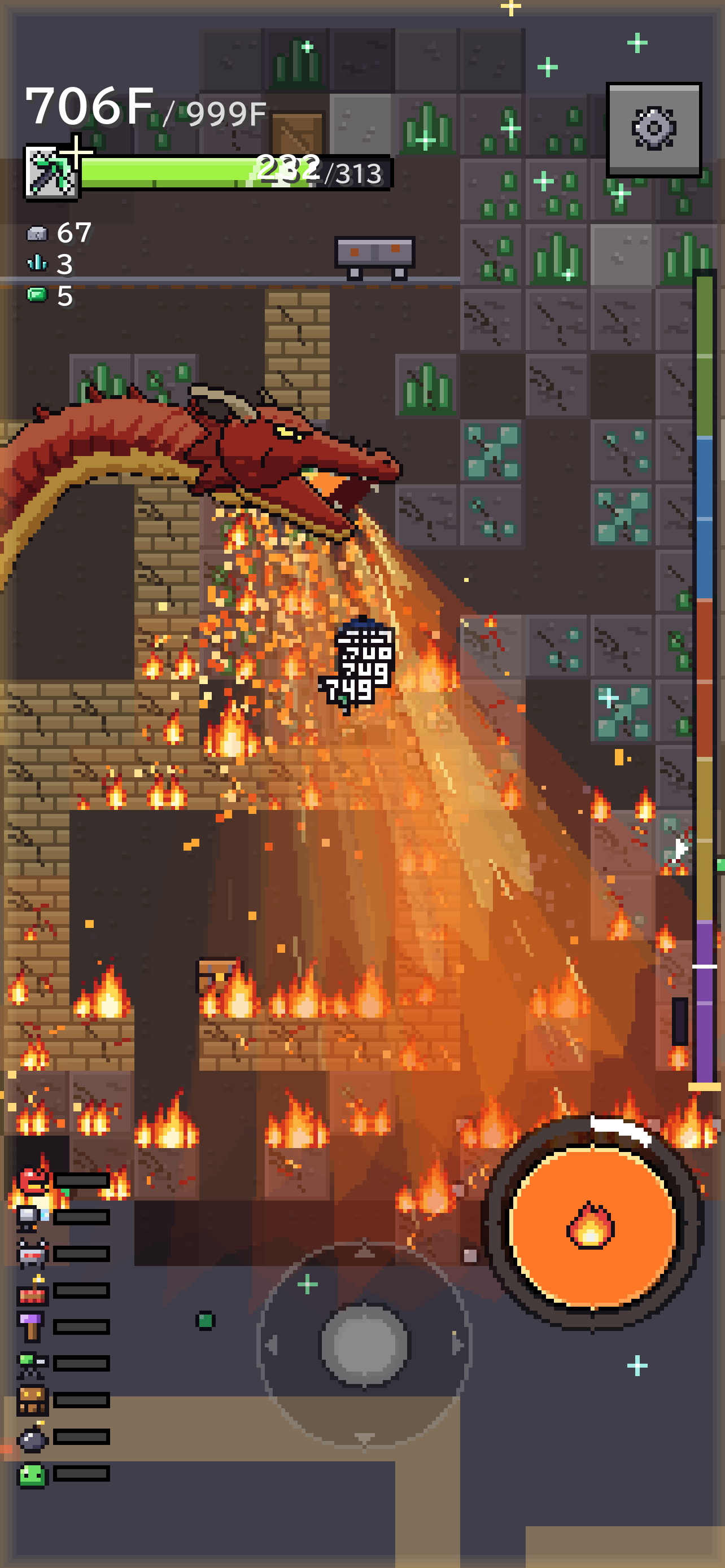
Summon: Dragon 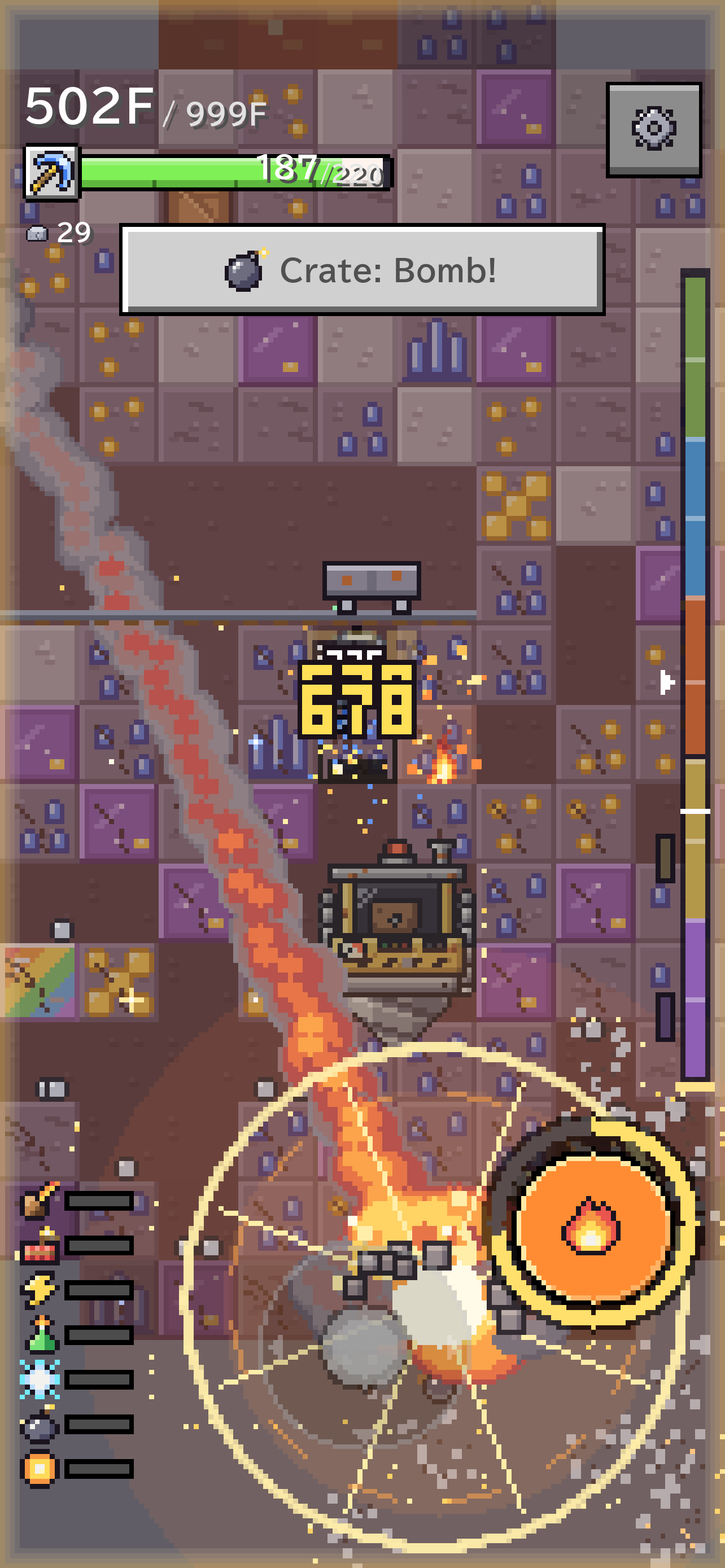
Magic: Meteor 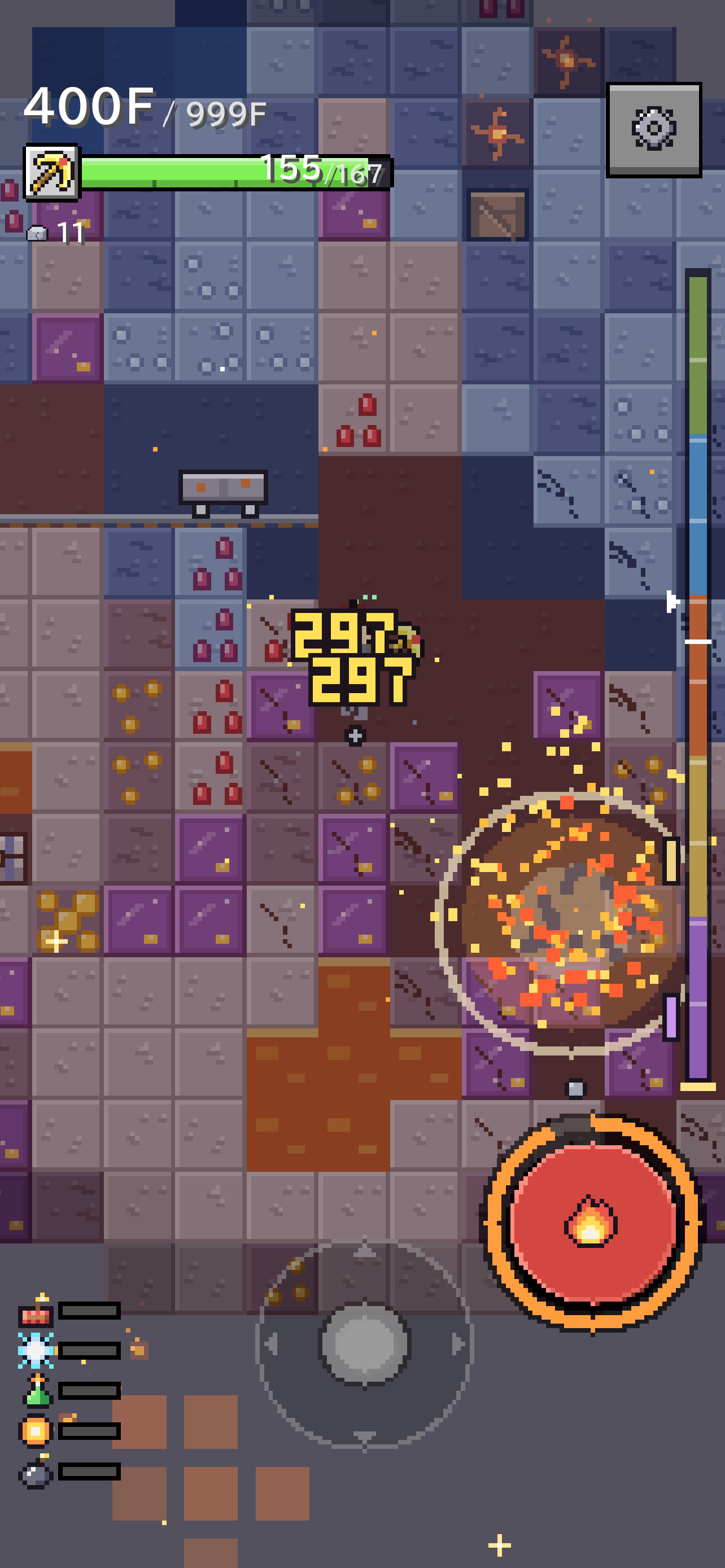
Powder: Dynamite 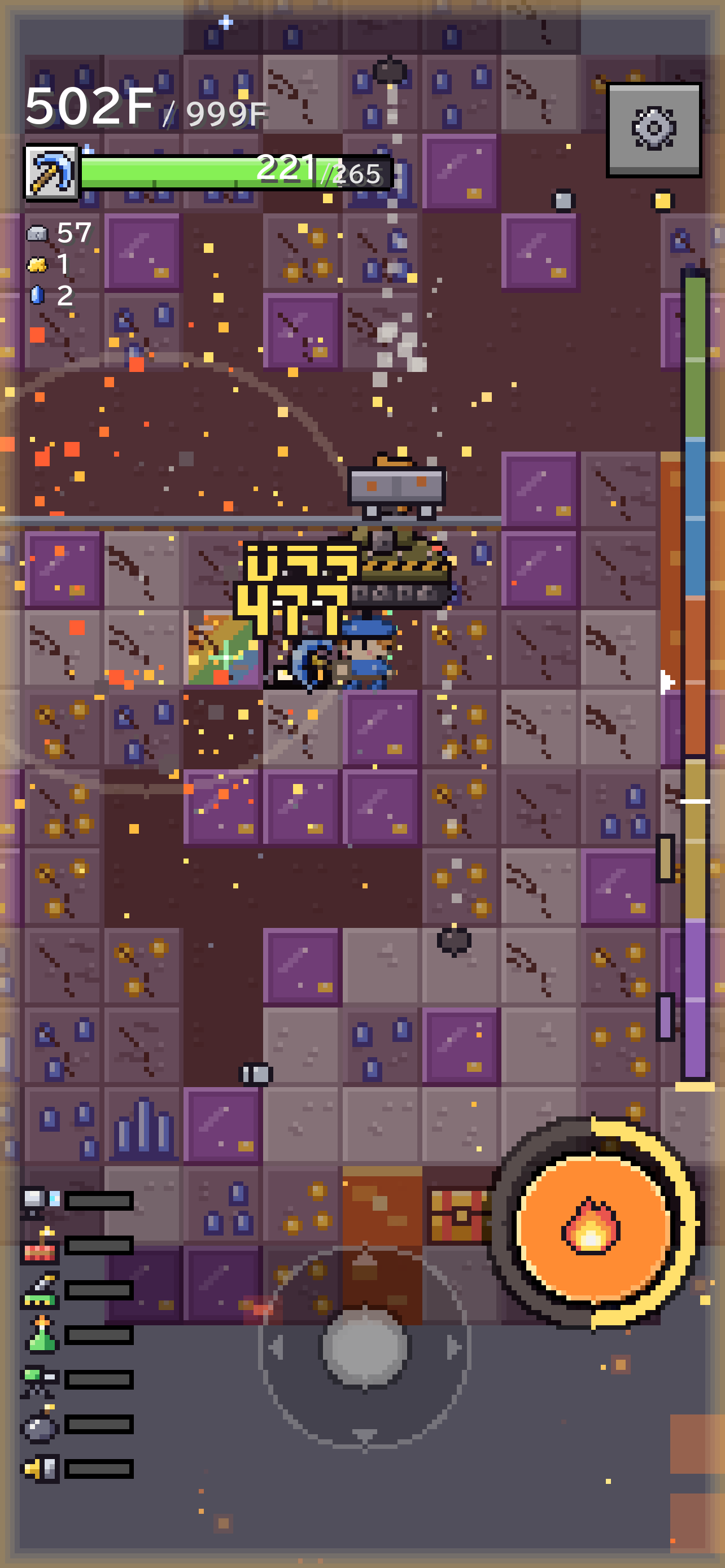
Machine: Cannon 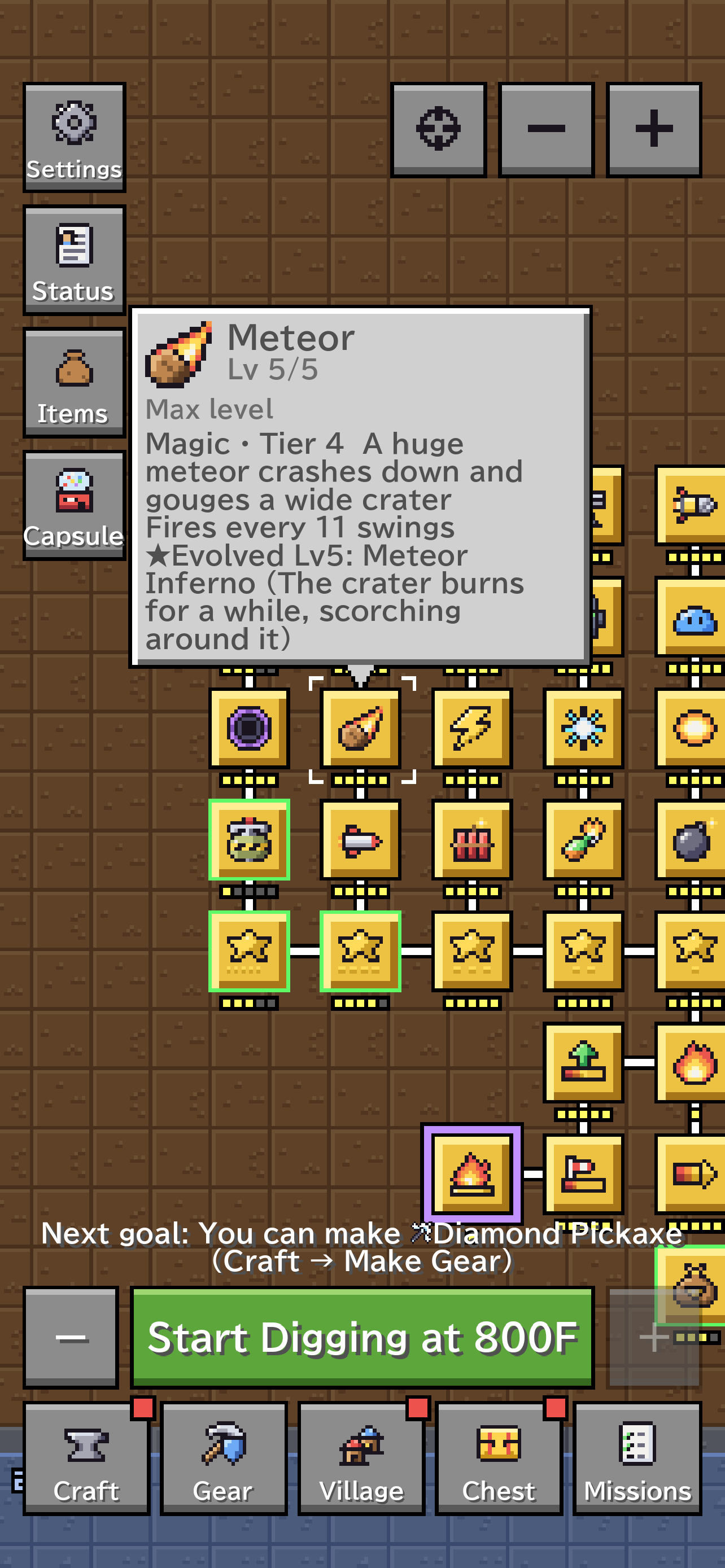
Learn them on the skill tree 
Set your gear and abilities 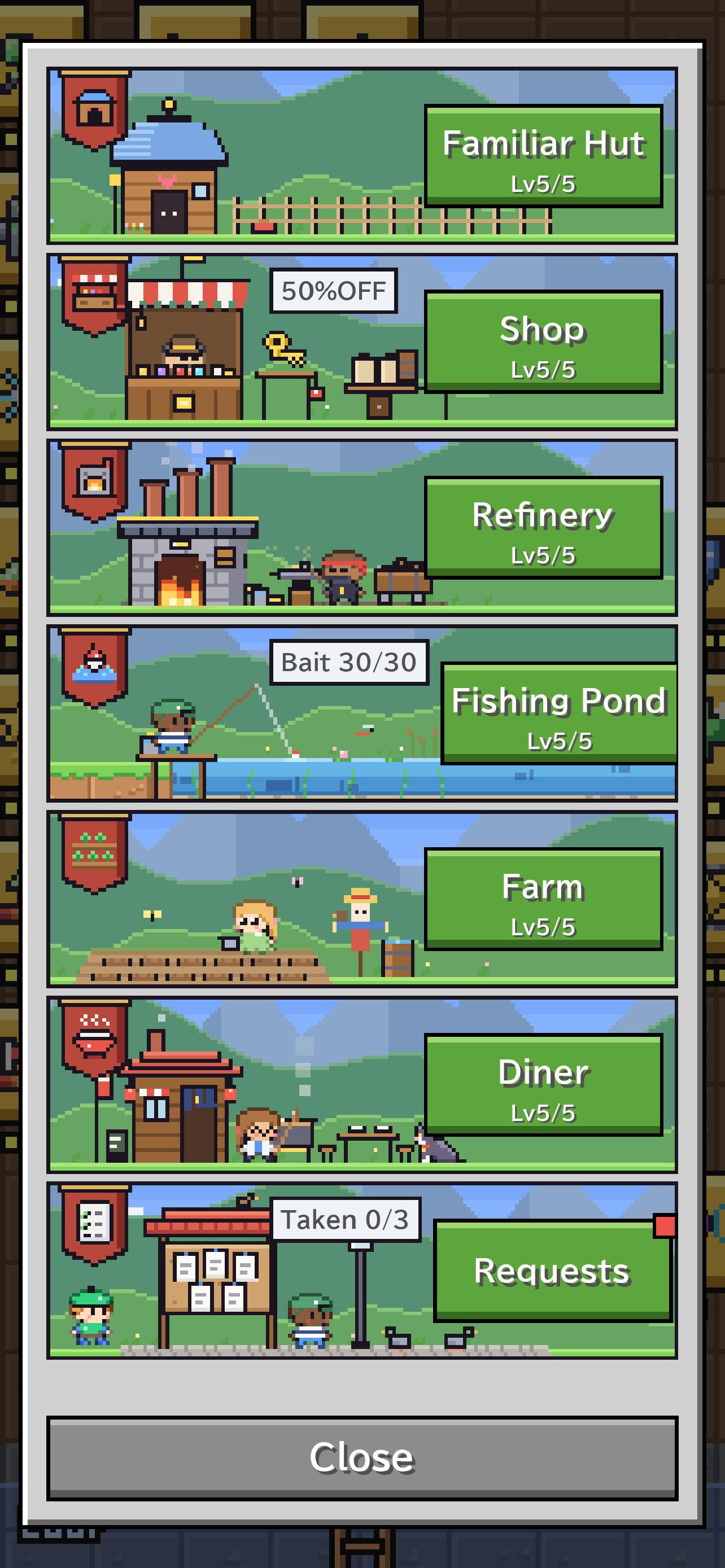
Grow your village 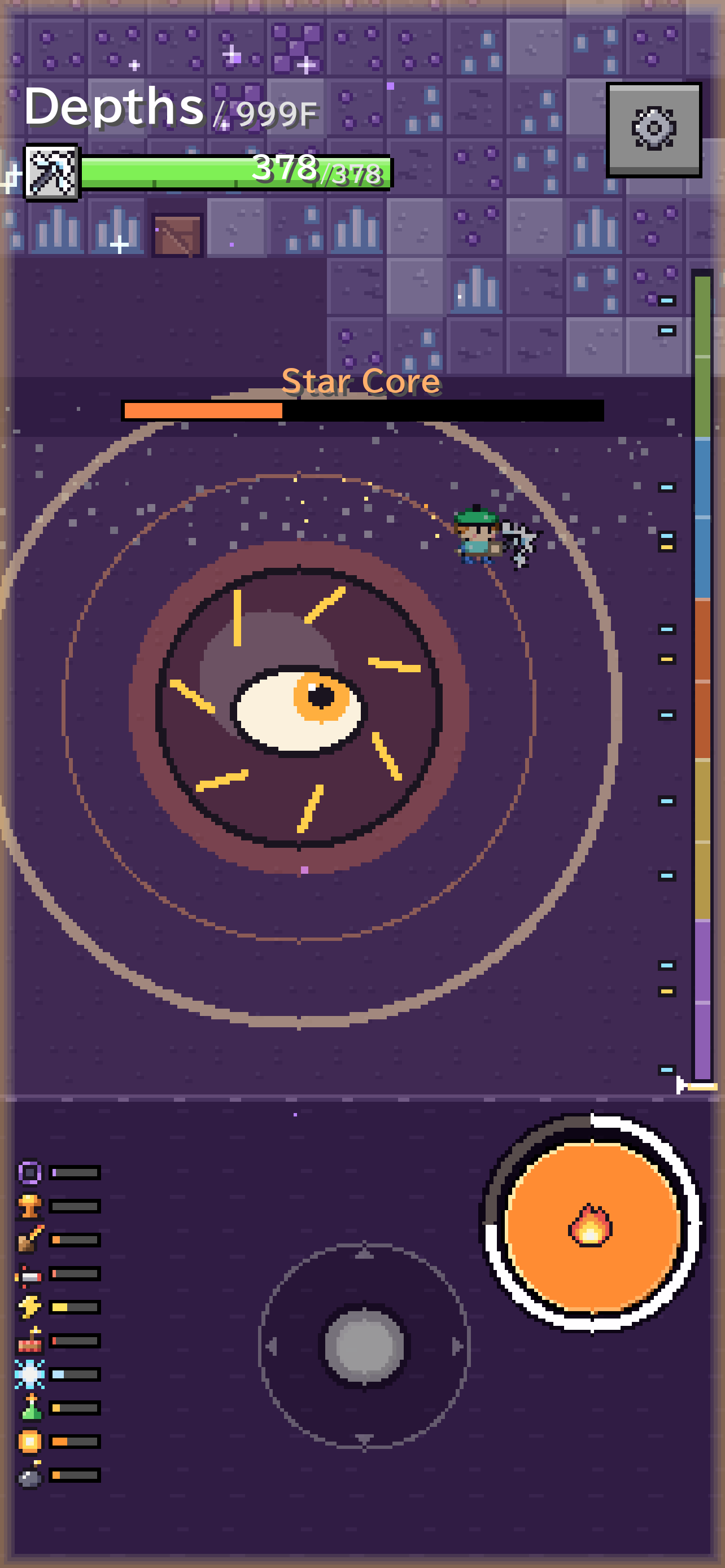
The Star Core sleeping at the bottom
On iPad
Dig on a bigger screen, upright or on its side.
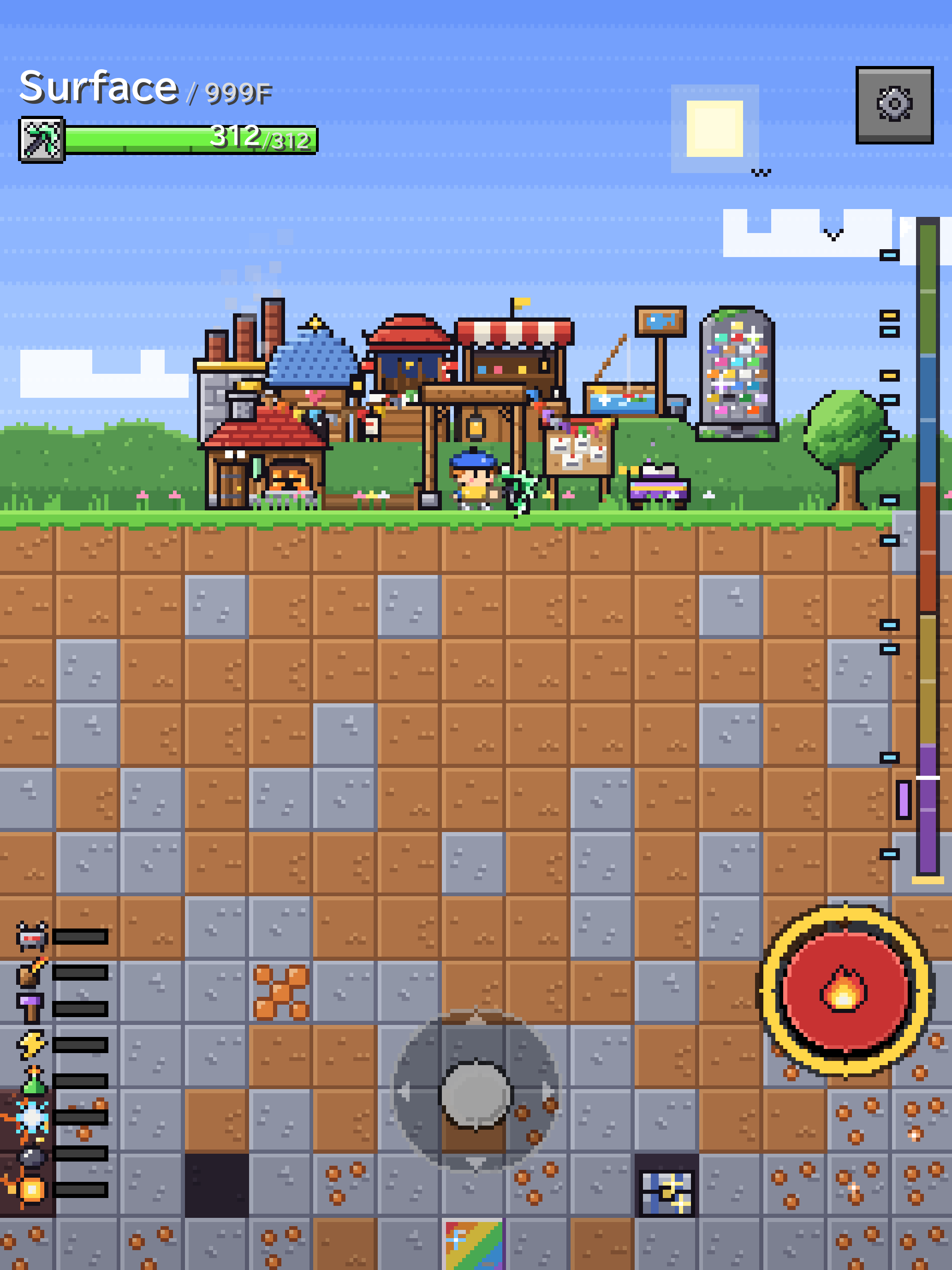
Upright 
Or on its side
Features
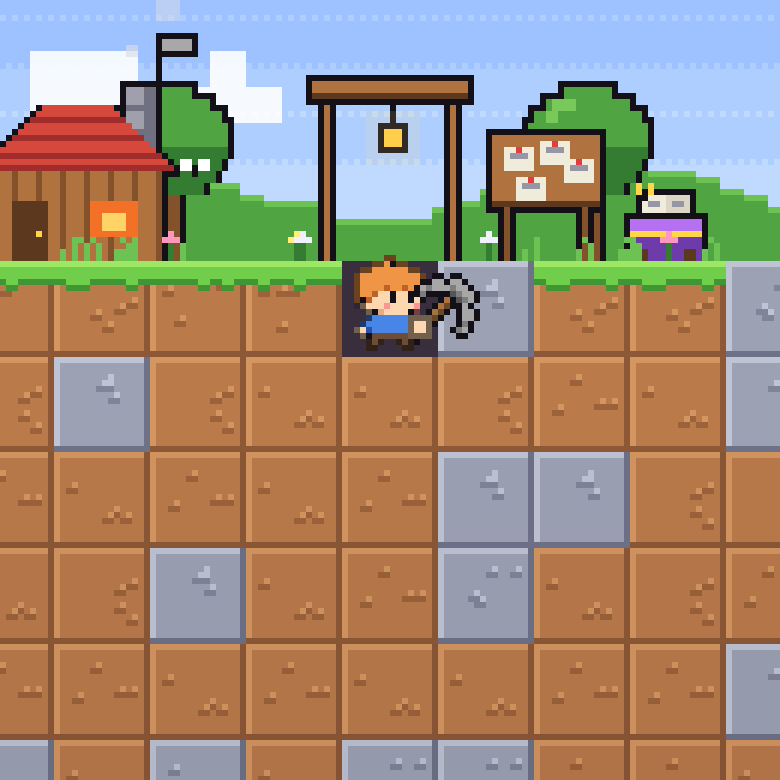
01
Dig
One pickaxe, 999 floors down.
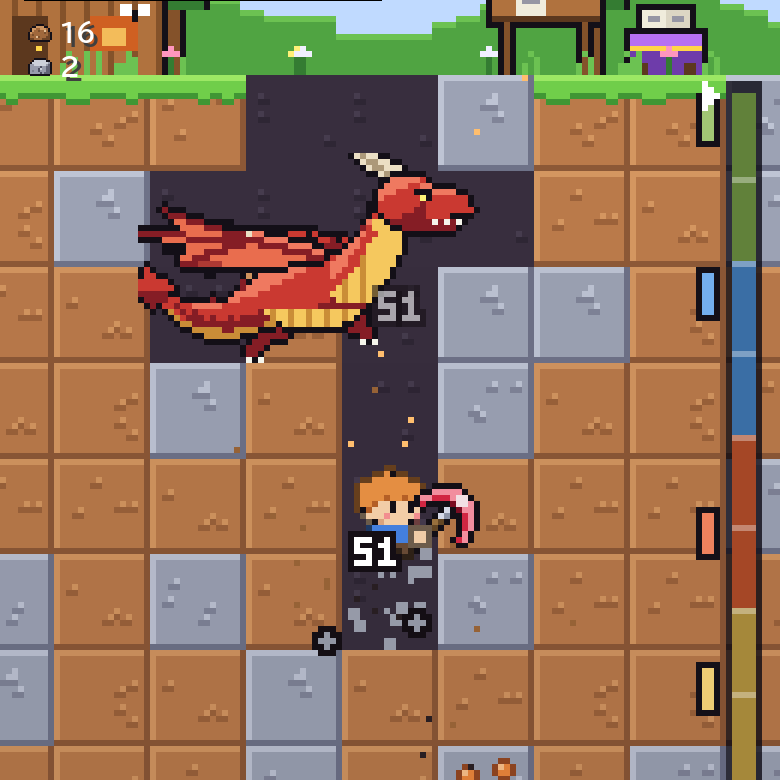
02
Power up
20 abilities across 4 families.

03
Save the world
Destroy the Star Core sleeping at the very bottom.
Abilities
20 abilities across 4 families. Mix them as you like and set up to 2 per tier.
Blow rock apart with powder
- Tier 1Bomb
- Tier 2Molotov
- Tier 3Dynamite
- Tier 4Missile
- Tier 5N.U.K.E.
Shatter rock with fire, ice and lightning
- Tier 1Fireball
- Tier 2Frost
- Tier 3Lightning
- Tier 4Meteor
- Tier 5Black Hole
Call in allies to dig for you
- Tier 1Slime
- Tier 2Golem
- Tier 3Spectral Hammer
- Tier 4Devourer
- Tier 5Dragon
Clear out the area with machines
- Tier 1Drill Liner
- Tier 2Turret
- Tier 3Cannon
- Tier 4Laser Cannon
- Tier 5Excavator
Back at Your Base
Craft, grow and fish with what you bring home.
Craft ×10Make 10 of the same tool at once Reroll EnchantsReroll until it hits Legendary RefineryTurn ore into the next ore up Summon a FamiliarCall one with Mana and take it digging FarmSwipe to harvest, plant and water Fishing PondTime the bite and reel in the Lord of the Pond RequestsCollect all the finished requests at once ChestsOpen all the chests you brought home MissionsCollect all the finished rewards at once Capsule ×1010 artifacts for coins
FAQ
How much does it cost?
It is a one-time purchase. No ads and no in-app purchases.
Which devices are supported?
iPhone with iOS 18 or later, and iPad with iPadOS 18 or later. On iPad you can also play in landscape.
Can I play offline?
Yes. You can play without an internet connection.
Is the game in English?
Yes. The game is in English and Japanese, and follows your device's language. You can also switch it in Settings.
Can I move my progress to a new device?
Yes, with iCloud backup. On your old device, tap "Back up now" under "iCloud backup" in Settings. On the new device, sign in to the same Apple Account, open Settings on the title screen and tap "Restore backup". Backups are not made automatically, so make one before you switch. iCloud can take a while to sync: on the new device, tap "Check backup" and check the backup's date before you restore. iCloud Drive needs to be turned on.
Other questions? Email support@hachiware.co.jp